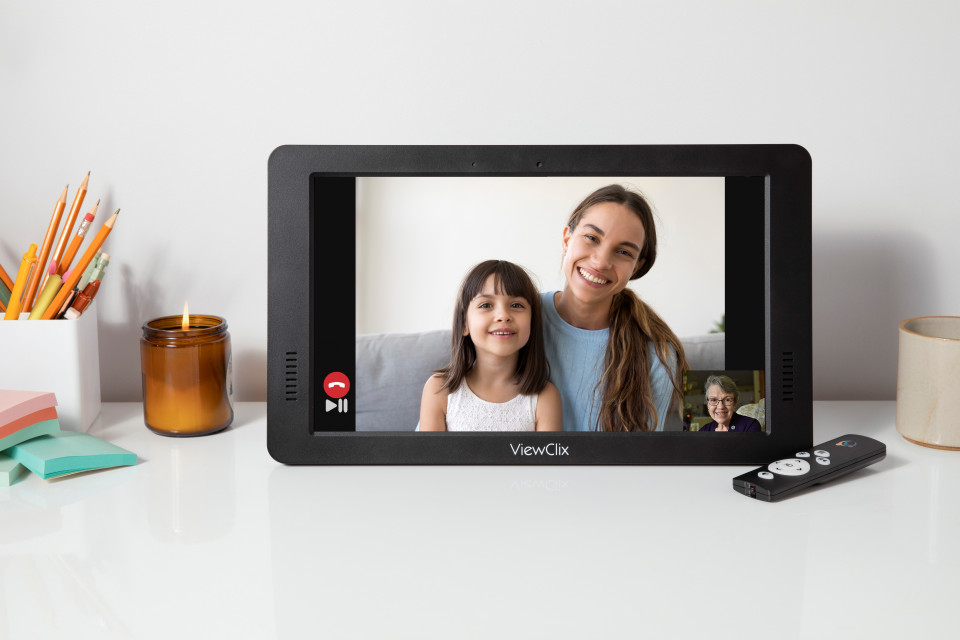
Less time explaining buttons. More time together.
Make family video calls easier to receive with ViewClix auto-answer. Learn about trusted callers, consent, setup, frame placement and Premier membership.
Read the guide
Make family video calls easier to receive with ViewClix auto-answer. Learn about trusted callers, consent, setup, frame placement and Premier membership.
Read the guide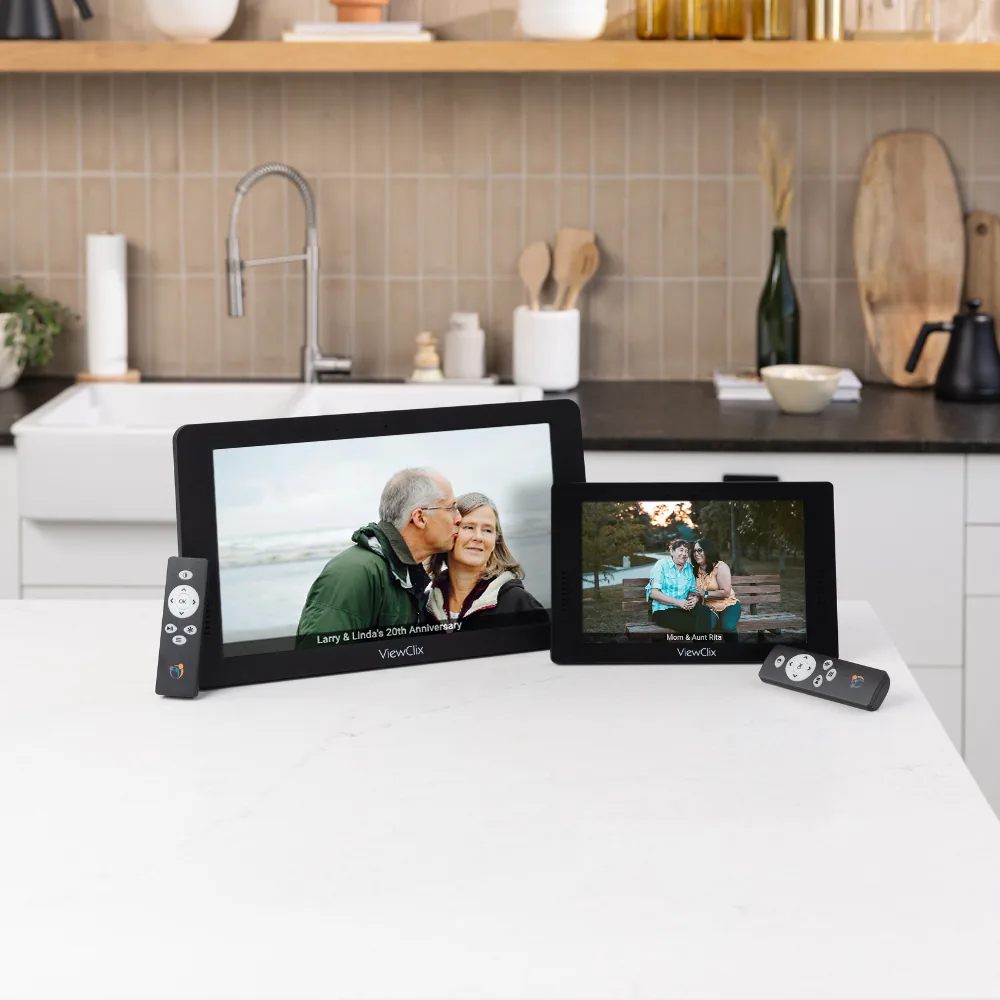
Choose a ViewClix frame around real viewing distance, glare and family use. Compare screen sizes and plan a comfortable setup for a senior with low vision.
Read the guide
Learn how family can manage a ViewClix frame from a distance: photos, sharing permissions, notes and settings, with clear setup and connection requirements.
Read the guideChoose a larger screen for more presence in the room or a compact frame for a favorite chair. Both offer the same ViewClix capabilities.
Compare ViewClix frames
Regular price: $299.00 Sale price: $269.00
Frame price
Make familiar faces and shared moments bigger in a living room or kitchen.

Regular price: $199.00 Sale price: $179.00
Frame price
A personal window to family for a bedside table, desk, or nearby end table.