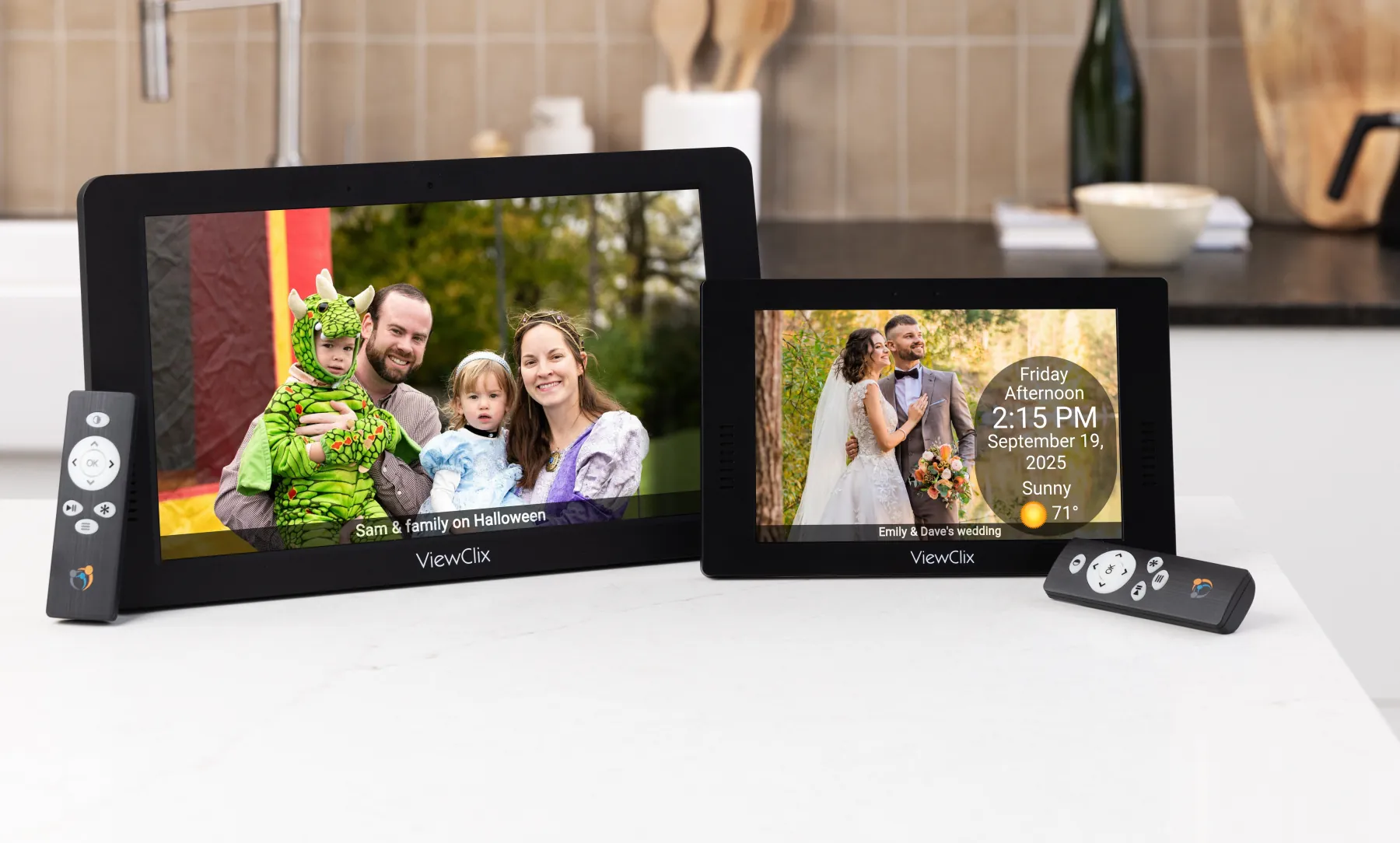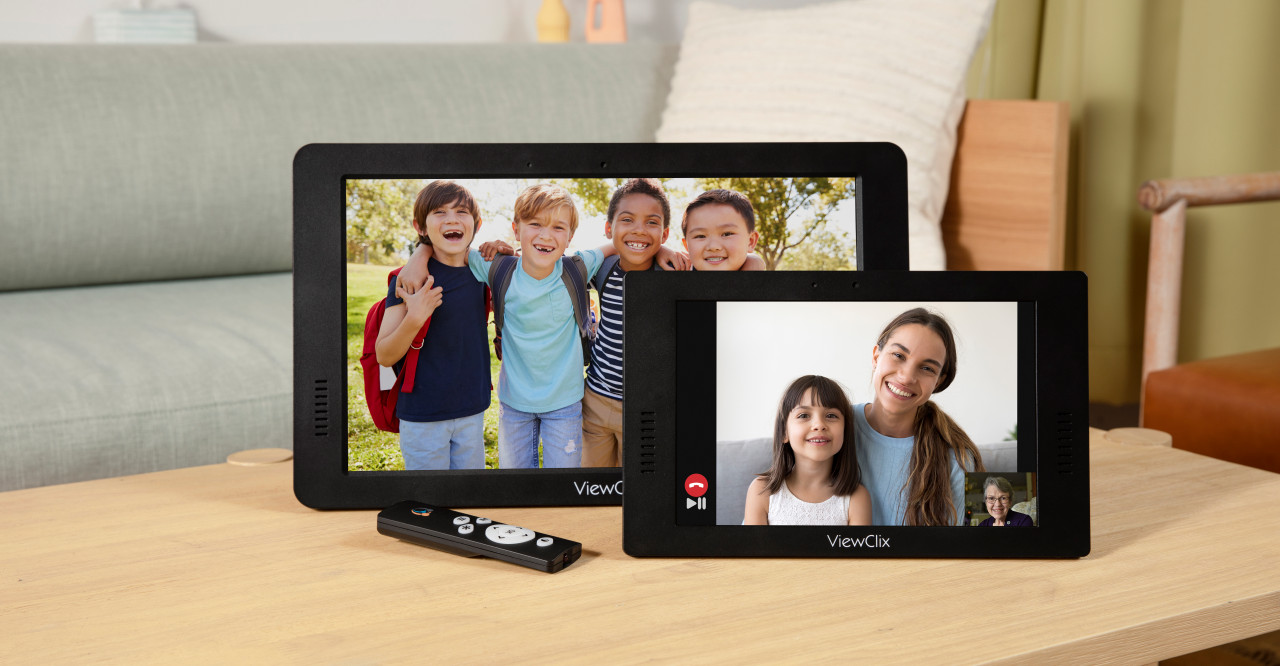

Only approved friends and family can video call and share with the frame.
Simple setup
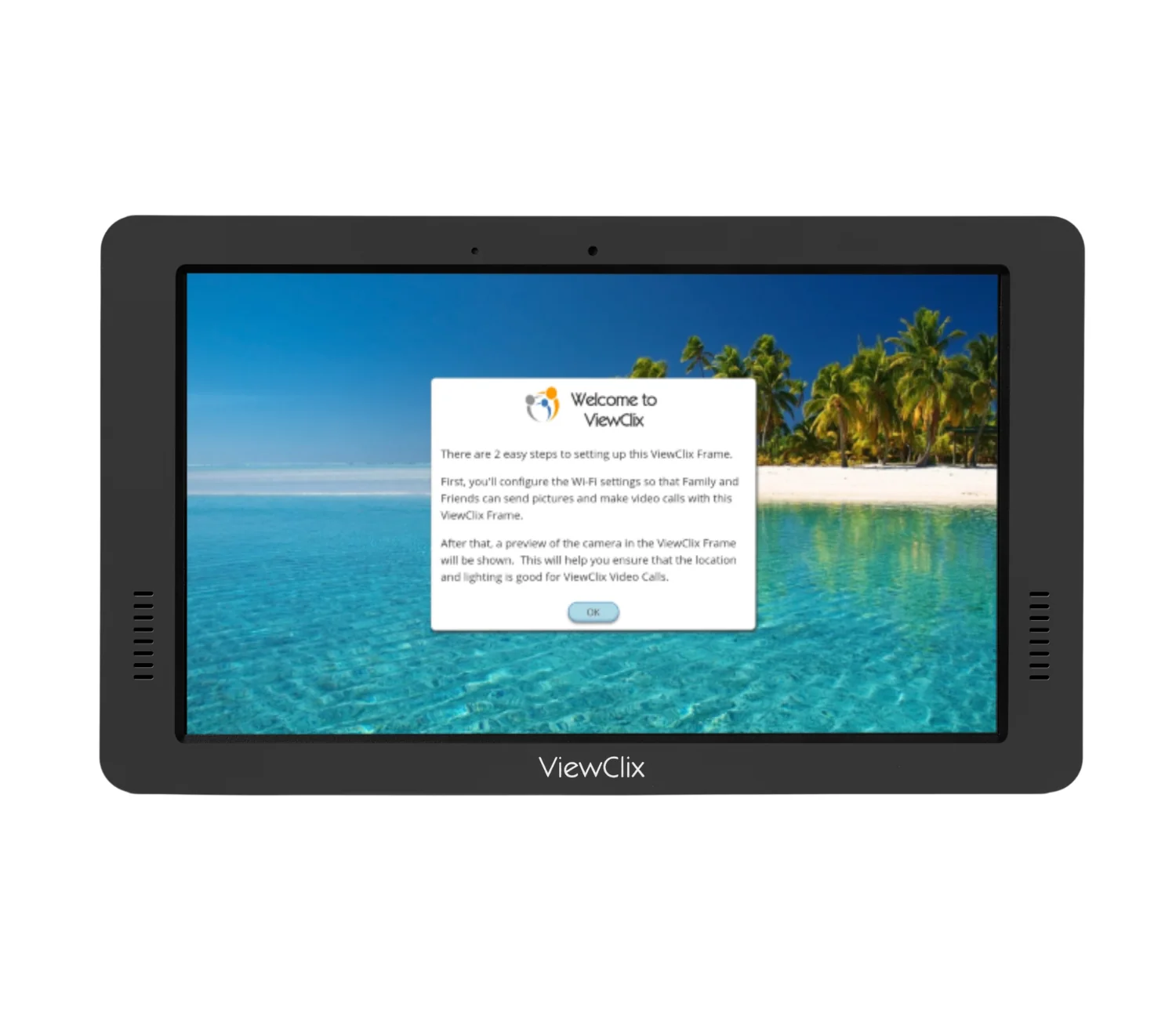
Plug it in. Connect Wi-Fi. Start sharing.
Prior to shipment, we preconfigure the frame to link automatically to your ViewClix account. To set up the frame, all that's needed is to plug it in and connect to a Wi-Fi network.
- No ViewClix login or password for the senior.
- Connect to 2.4GHz or 5GHz Wi-Fi networks.
- Wi-Fi password is saved to the frame after setup in case of a power outage.
Remote management.
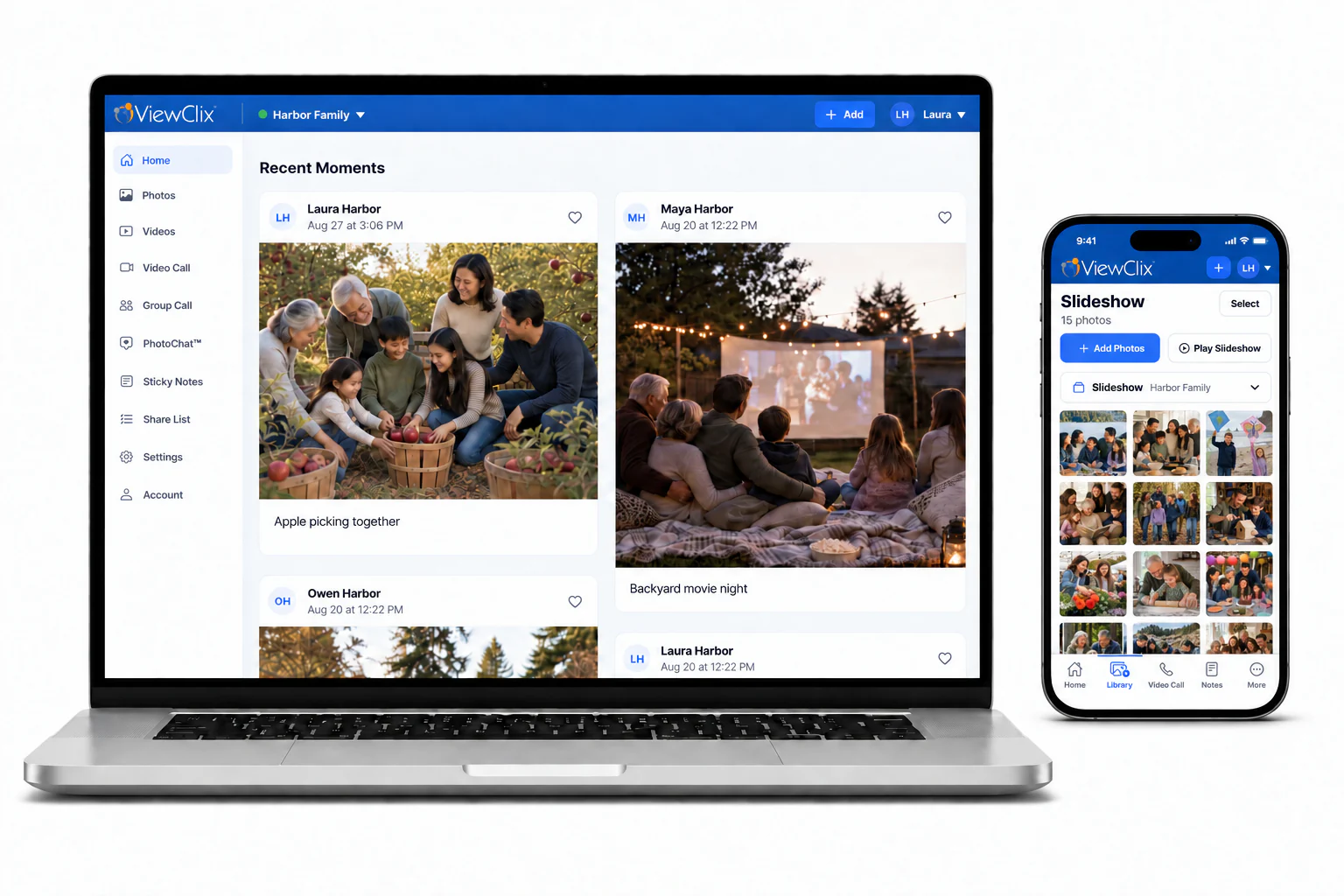
A trusted family member or friend manages the frame remotely for the senior.
- Invite or remove approved family members and friends.
- Manage settings like Sleep Mode, auto-answer, weather forecast, User Permissions, etc.
- Oversee shared photos and videos that will display on the frame.
Prioritizing privacy for your family.

Video calls are encrypted and never recorded.

Sleep Mode can be set for the frame to turn off and turn on at certain times.
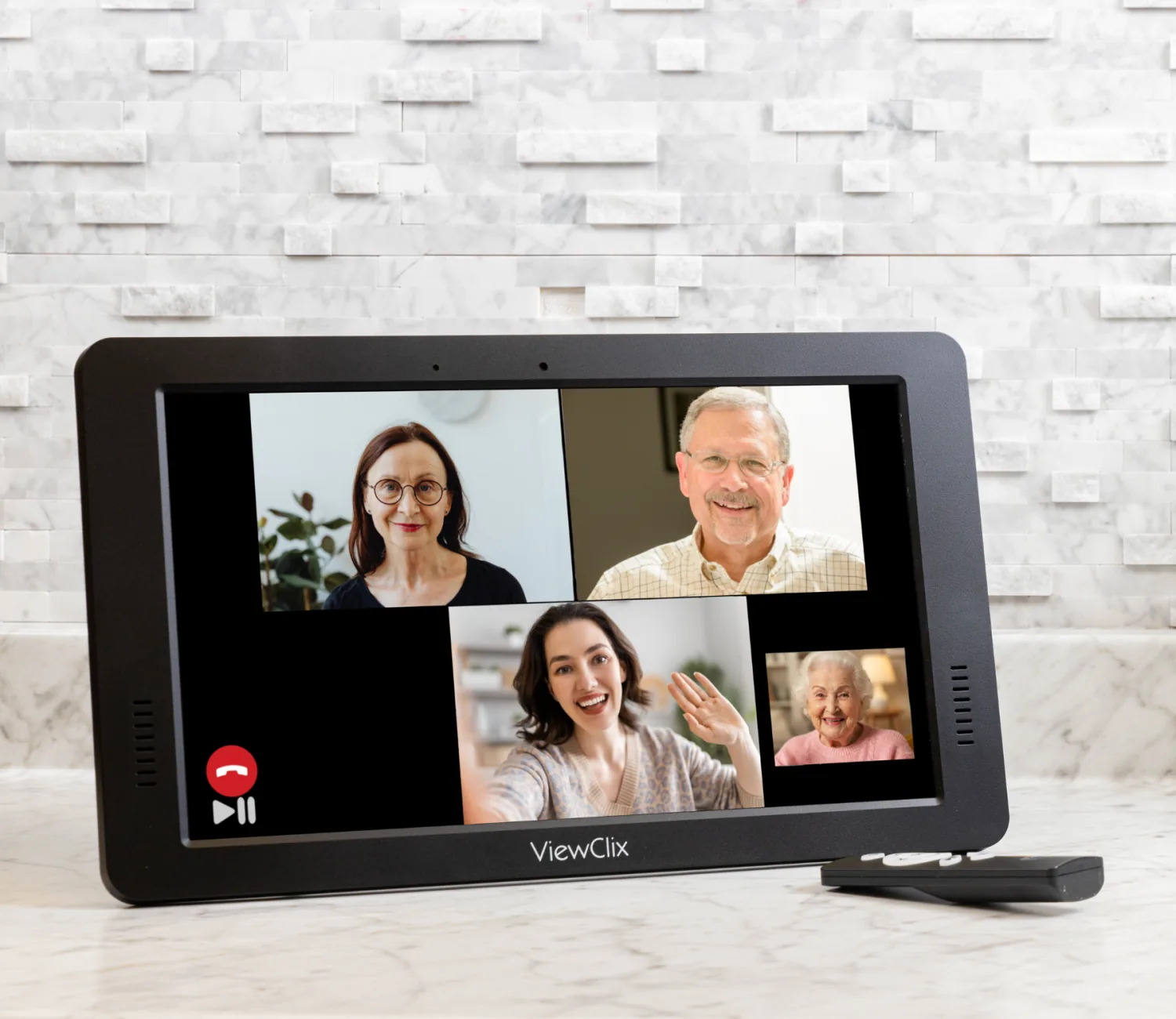
Bring the whole family together.
Whether it's children, grandchildren, or longtime friends, invite unlimited users to share and connect with the ViewClix frame.
Everyday connection
More than a photo frame.
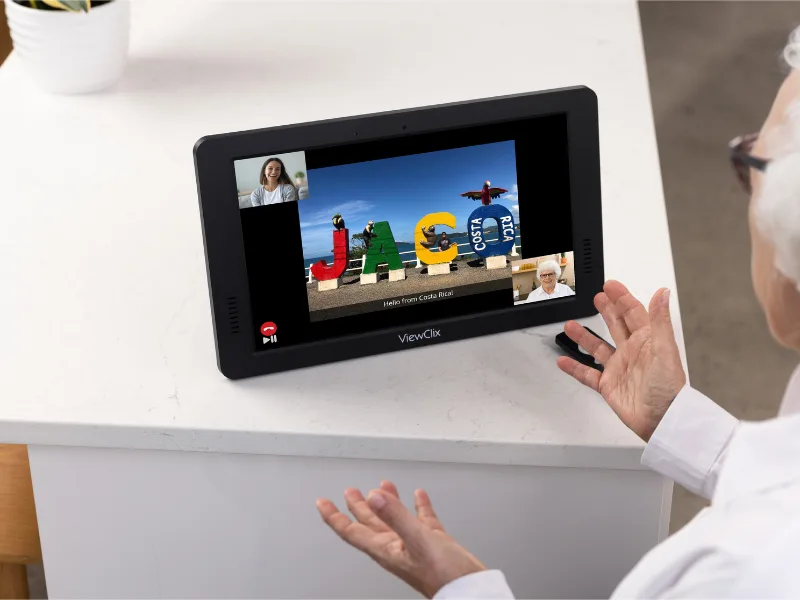
PhotoChat®
ViewClix ExclusiveTalk about your recently shared photos on a video call and relive the stories together.
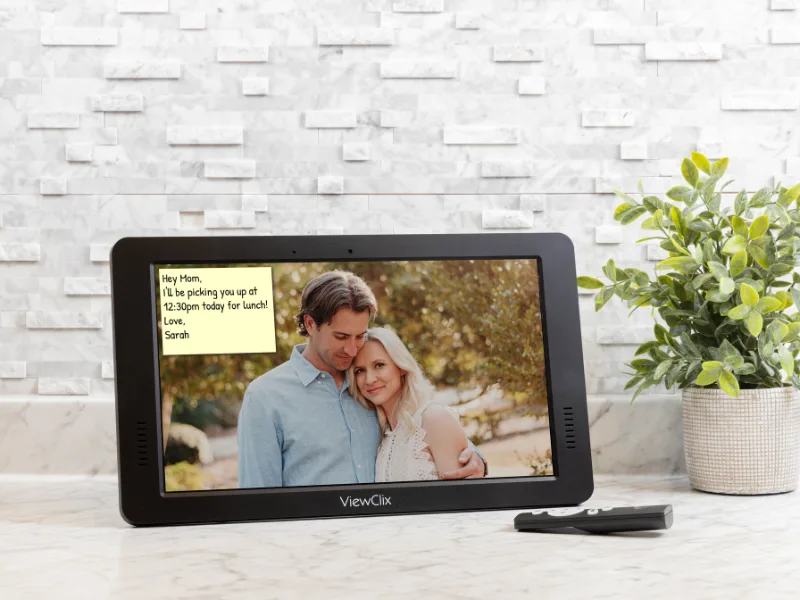
Sticky Note Reminders
Schedule reminders to help your loved one stay organized and ditch the feeling of constant nagging.
Videos made simple
Share both personal and YouTube videos. Create a video playlist of their favorites to automatically play for them.