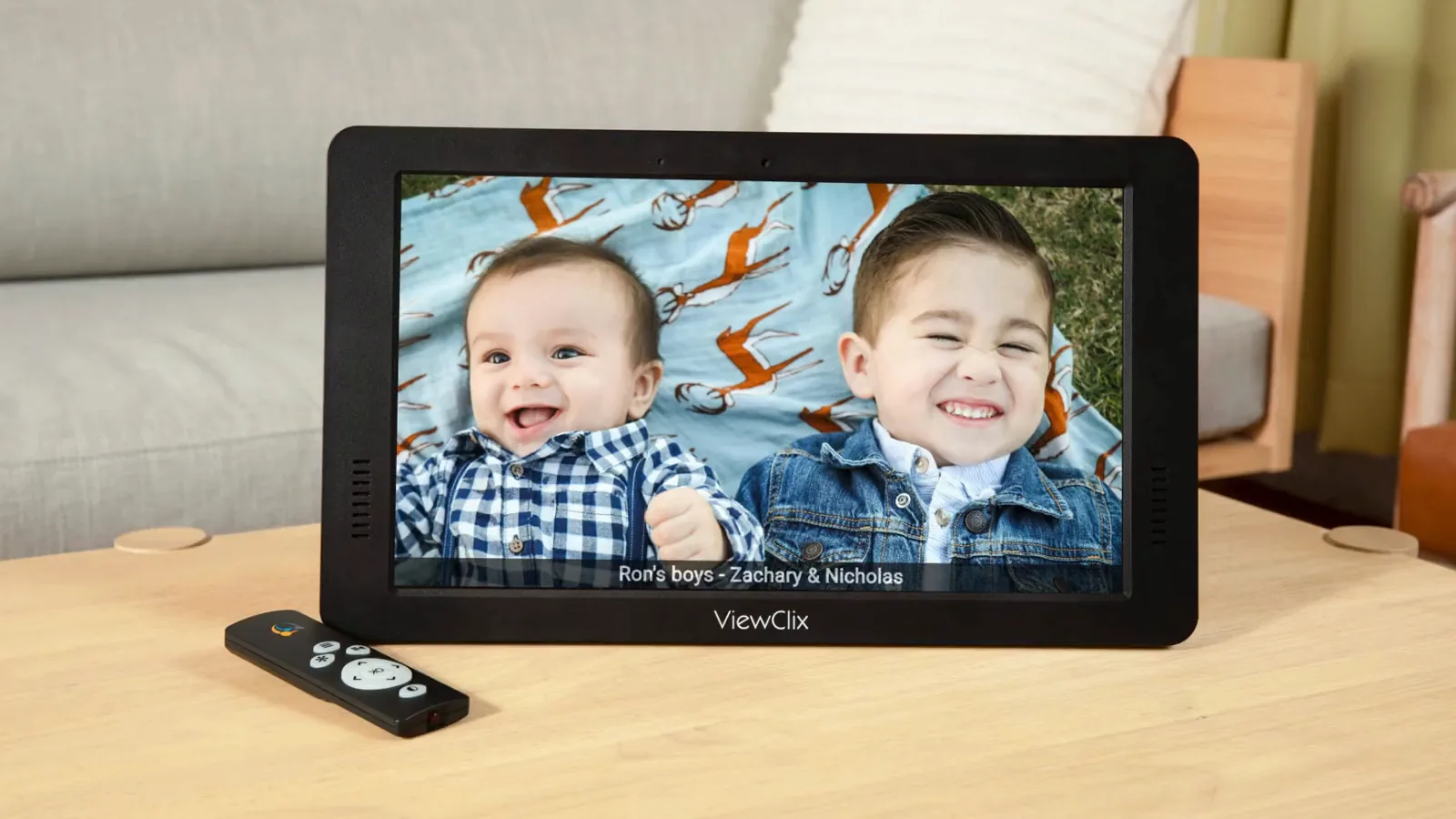
Unlimited sharing
Photos and videos can be shared by approved family and friends.
Easy for families
Each ViewClix frame is managed remotely by a Frame Organizer. Approved family and friends can share through the mobile app or member portal, while the frame stays simple in the home.
Photos and videos can be shared by approved family and friends.
Auto-answer helps calls happen without app confusion.
The Share List controls who can call, share, and send notes.
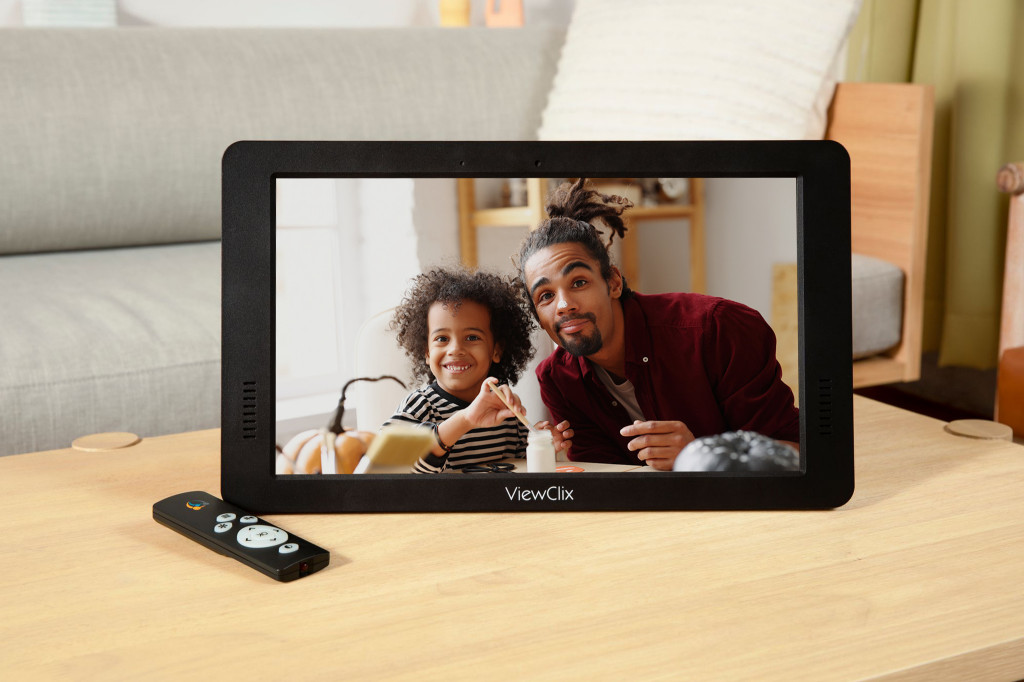
Photos and videos
Birthdays, holidays, anniversaries, or just something silly. Photos and videos are easy to share and easy for your senior to enjoy. No storage limits.
Video calling
No more technical support just to start a video call. You start the video call and the ViewClix frame automatically joins.
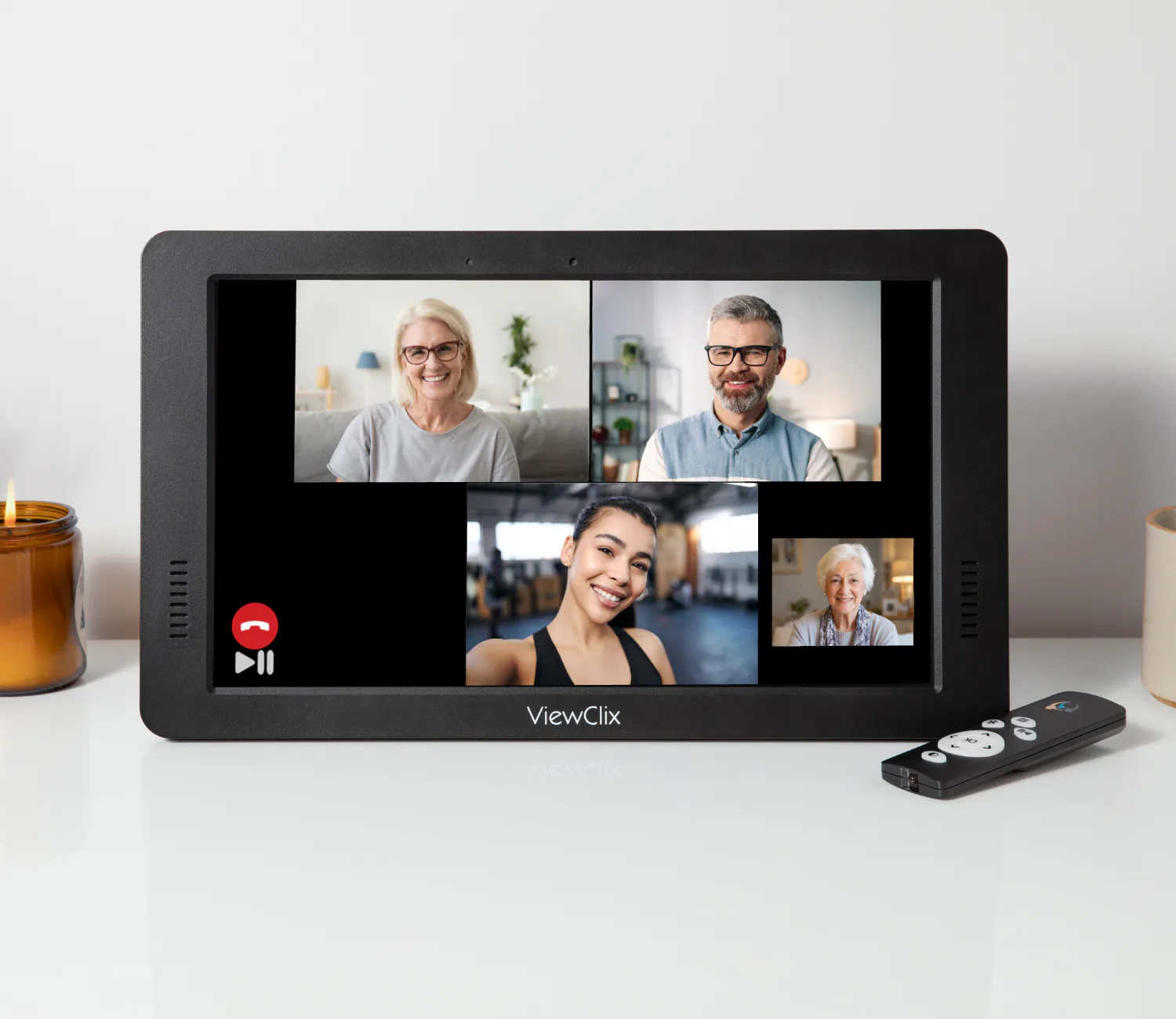
Group calling
Three callers plus the frame user can enjoy seeing and talking with each other. No special invites, links, or passcodes required.
More ways to stay connected
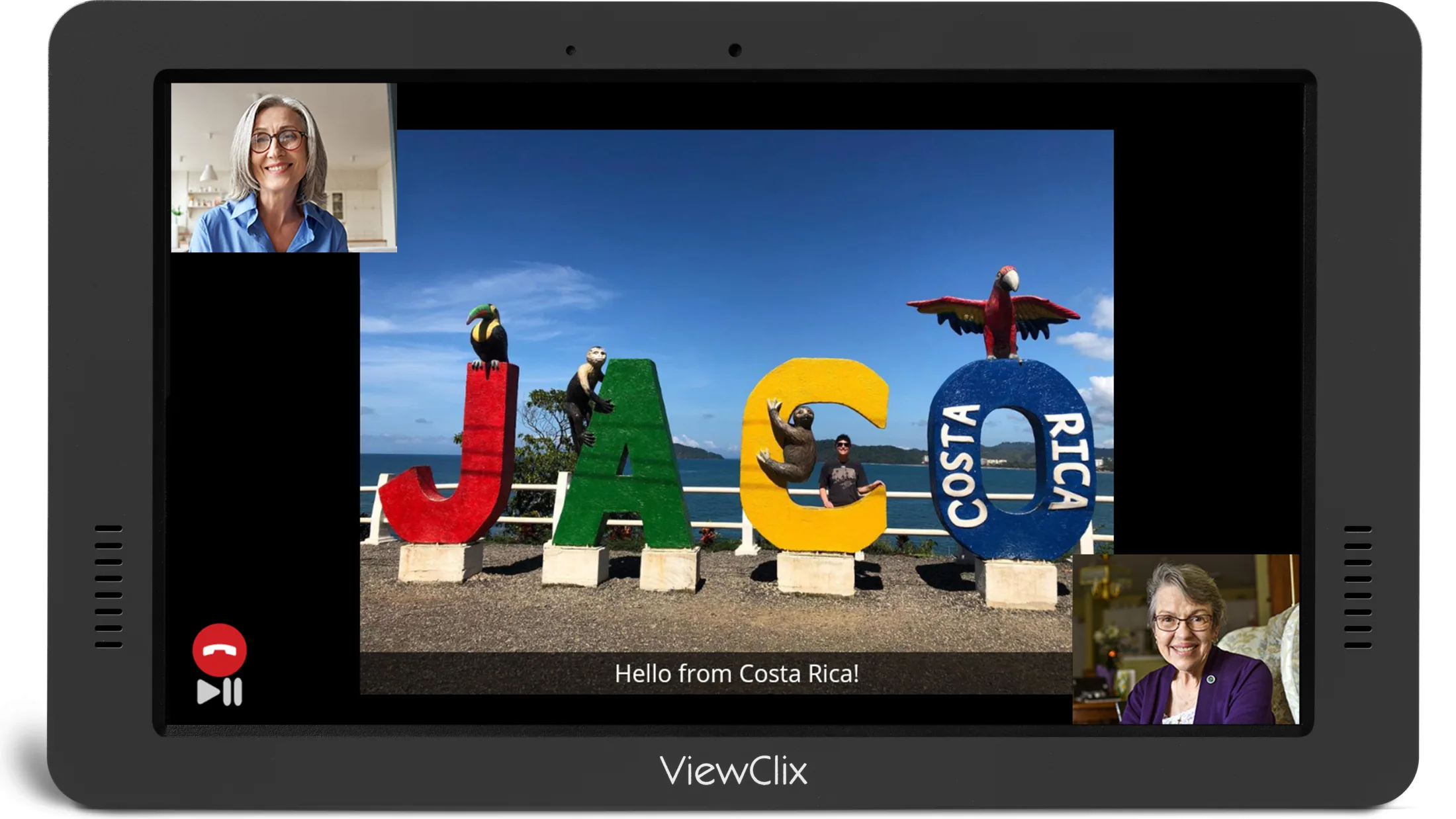
Look at photos together during a call and relive favorite memories.
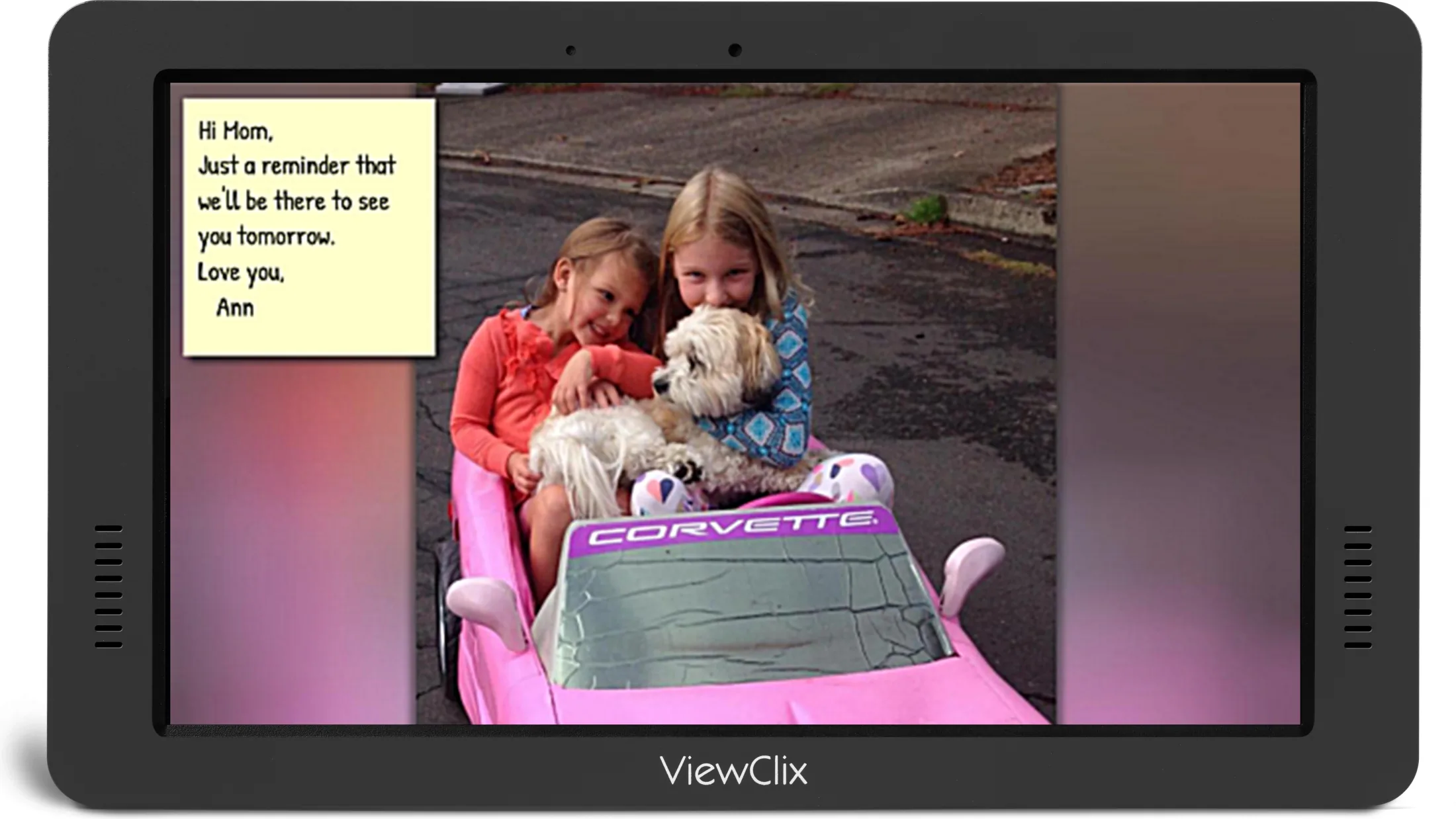
Schedule reminders, greetings, or love notes that appear on the frame.
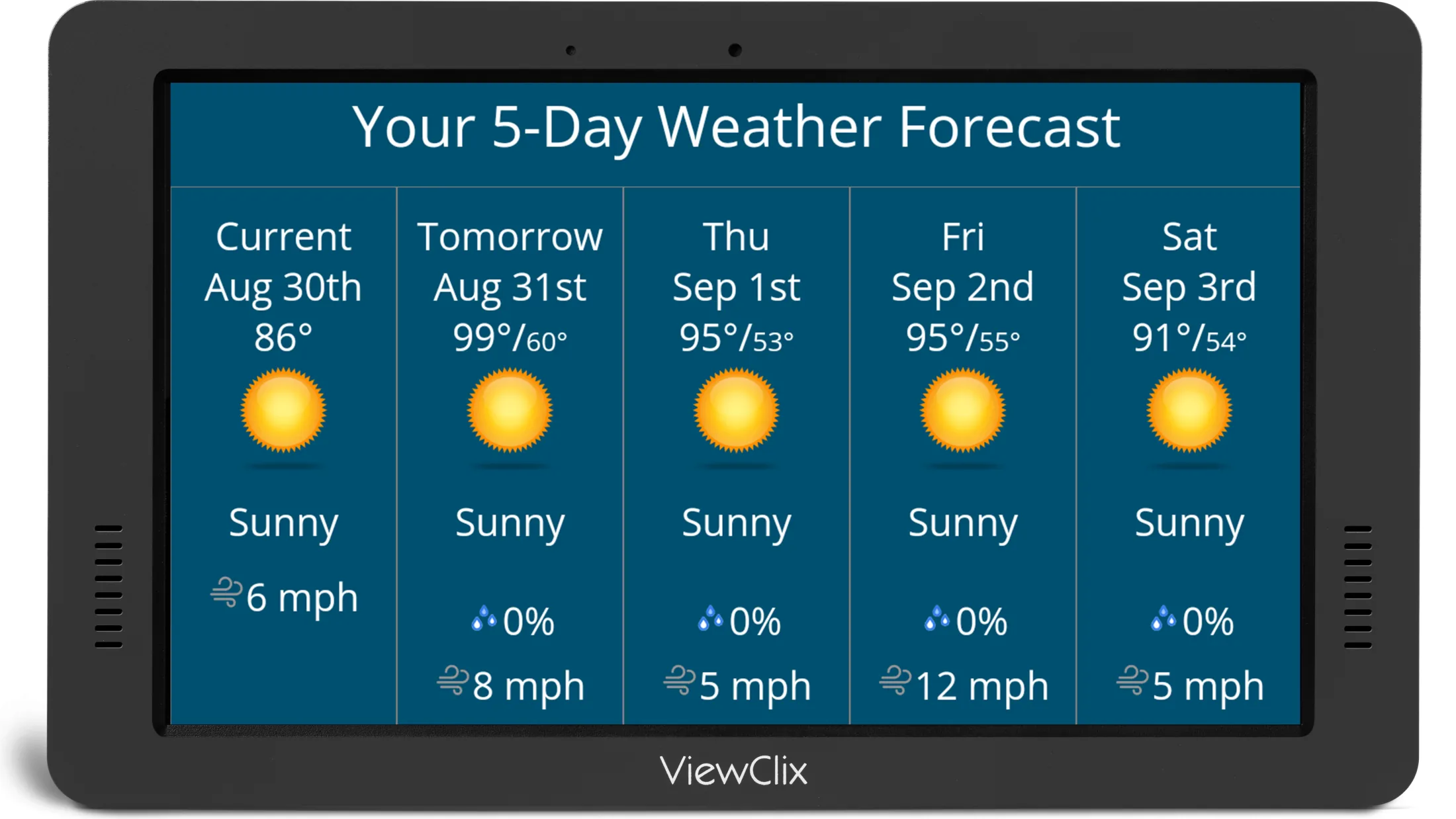
Show a five-day forecast at the top of the hour for extra peace of mind.
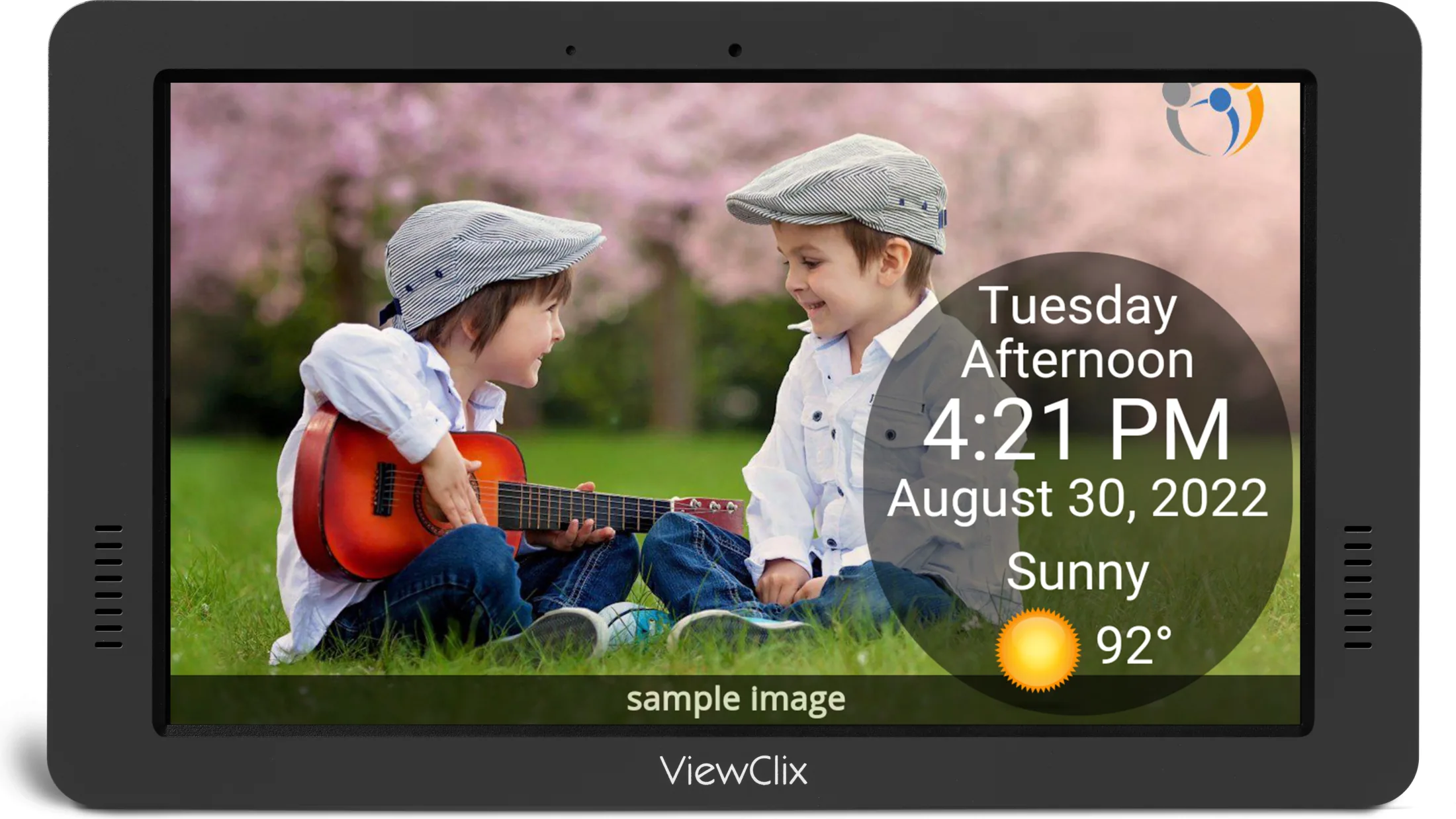
Display the day, date, time, weather condition, and temperature clearly.
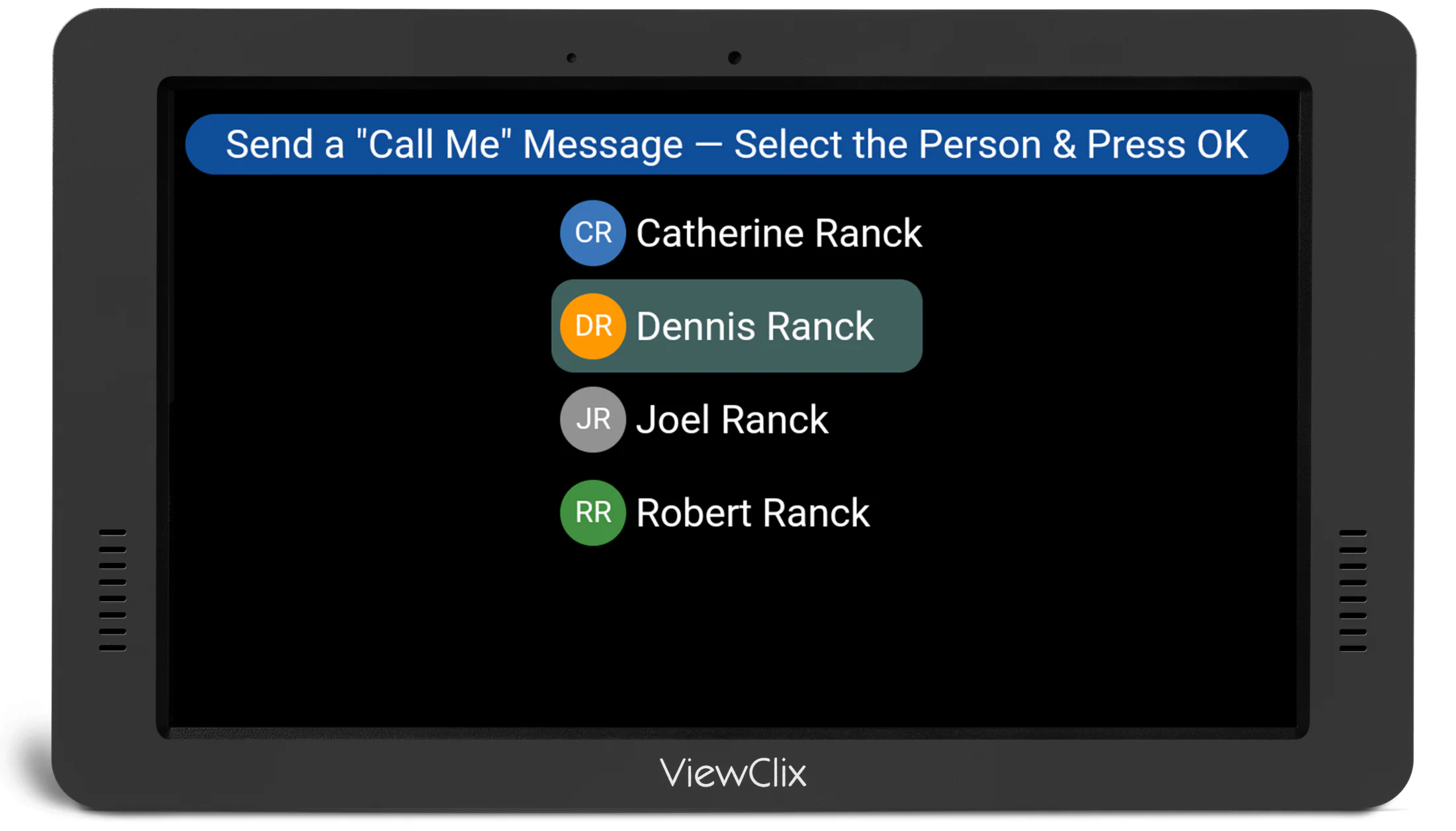
You're just a video call away. Call-Me lets your senior request a video call.
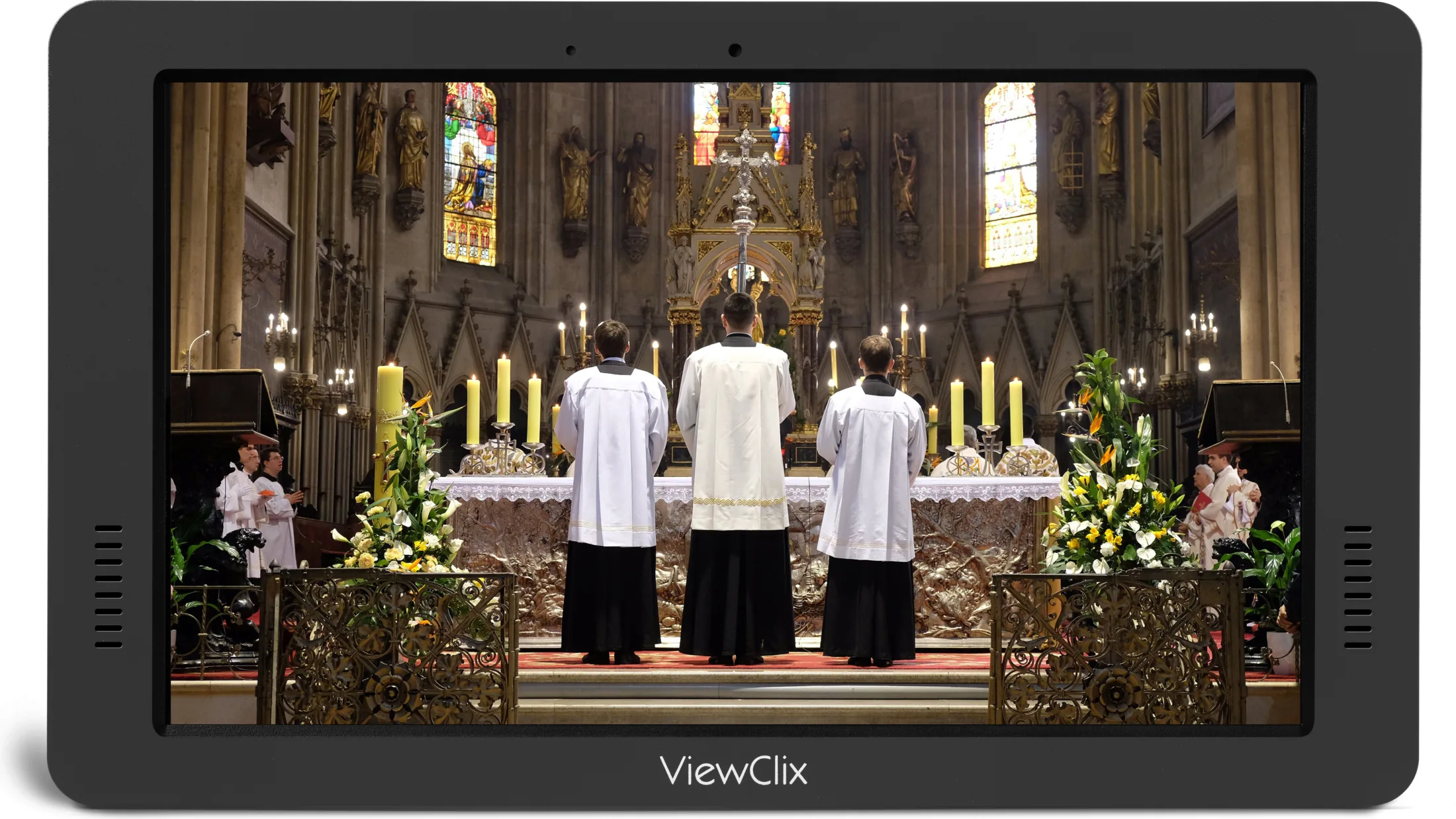
Schedule a worship service or live stream to play automatically.
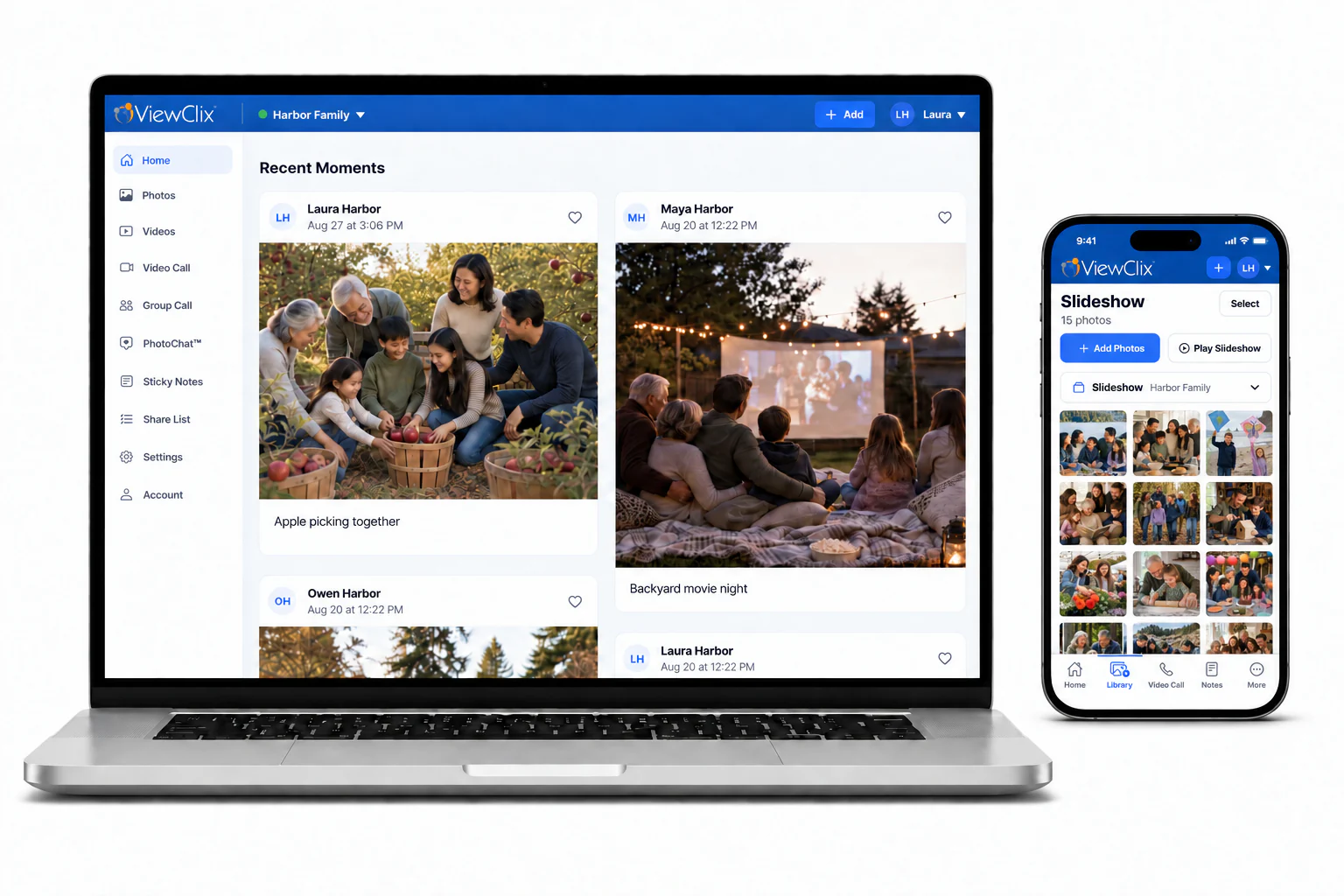
Share photos and videos, start video calls, and manage your loved one’s frame from wherever you are. Use the free ViewClix app on your phone or sign in to the Member Portal from any computer.
Compare frames
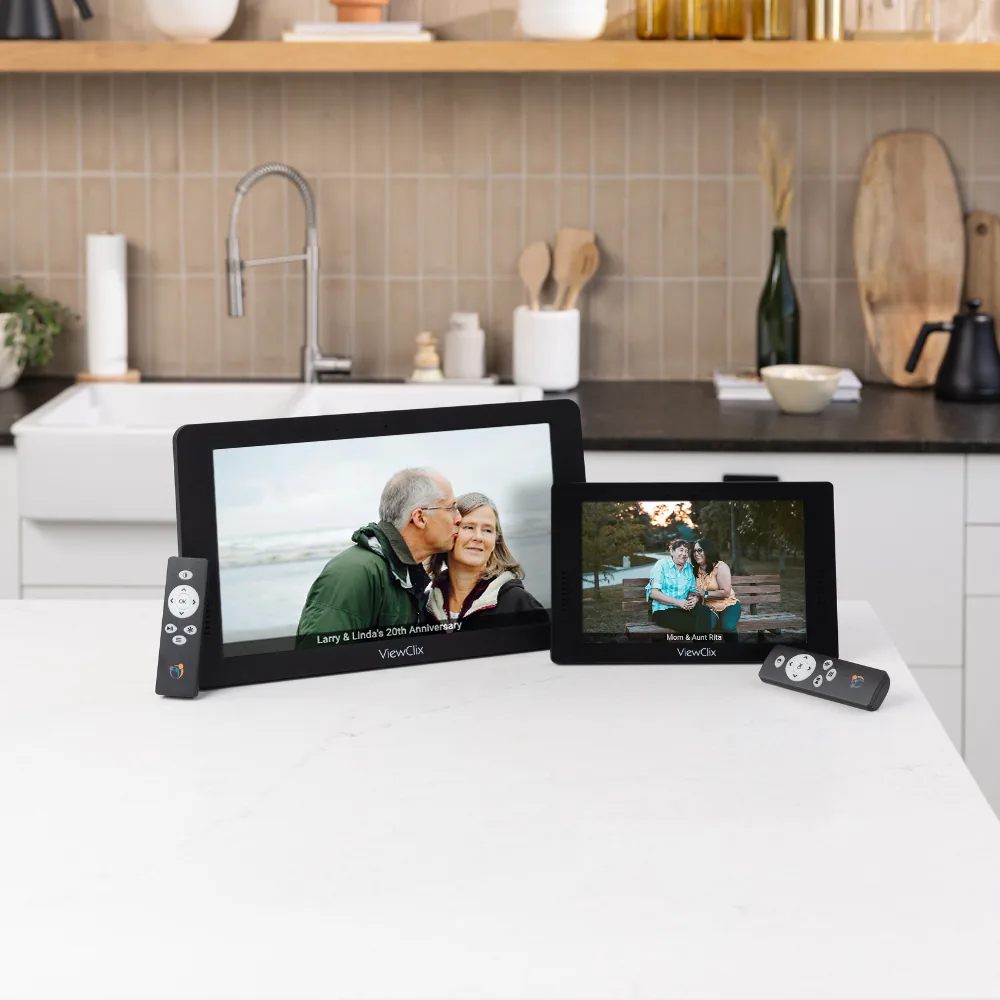
Ready to connect
ViewClix gives families practical ways to stay close while keeping the experience simple for the person at home. For setup and support questions, start with the FAQ or how-it-works guide.